
Windows · Official setup
Download Revo Uninstaller Pro
Windows installer from the official publisher. This site is an independent guide — we do not host the EXE here.
Independent site. Not affiliated with VS Revo Group. Compare the file name and digital signature with what your IT team expects.
Before you run setup
- ✓Use a trusted network (not public guest Wi‑Fi if you can avoid it).
- ✓Close the program you plan to uninstall, plus game launchers and heavy browsers.
- ✓Plug in a laptop; long leftover scans should not run on a dying battery.
- ✓If SmartScreen appears, confirm the publisher matches VS Revo Group / Revo Uninstaller.
- ✓Create a restore point when you will use Forced Uninstall or a deep leftover pass.
Publisher download
Revo Uninstaller Pro
Download from official siteOpens revouninstaller.com in a new tab. Scan the file if your security policy requires it.
After install
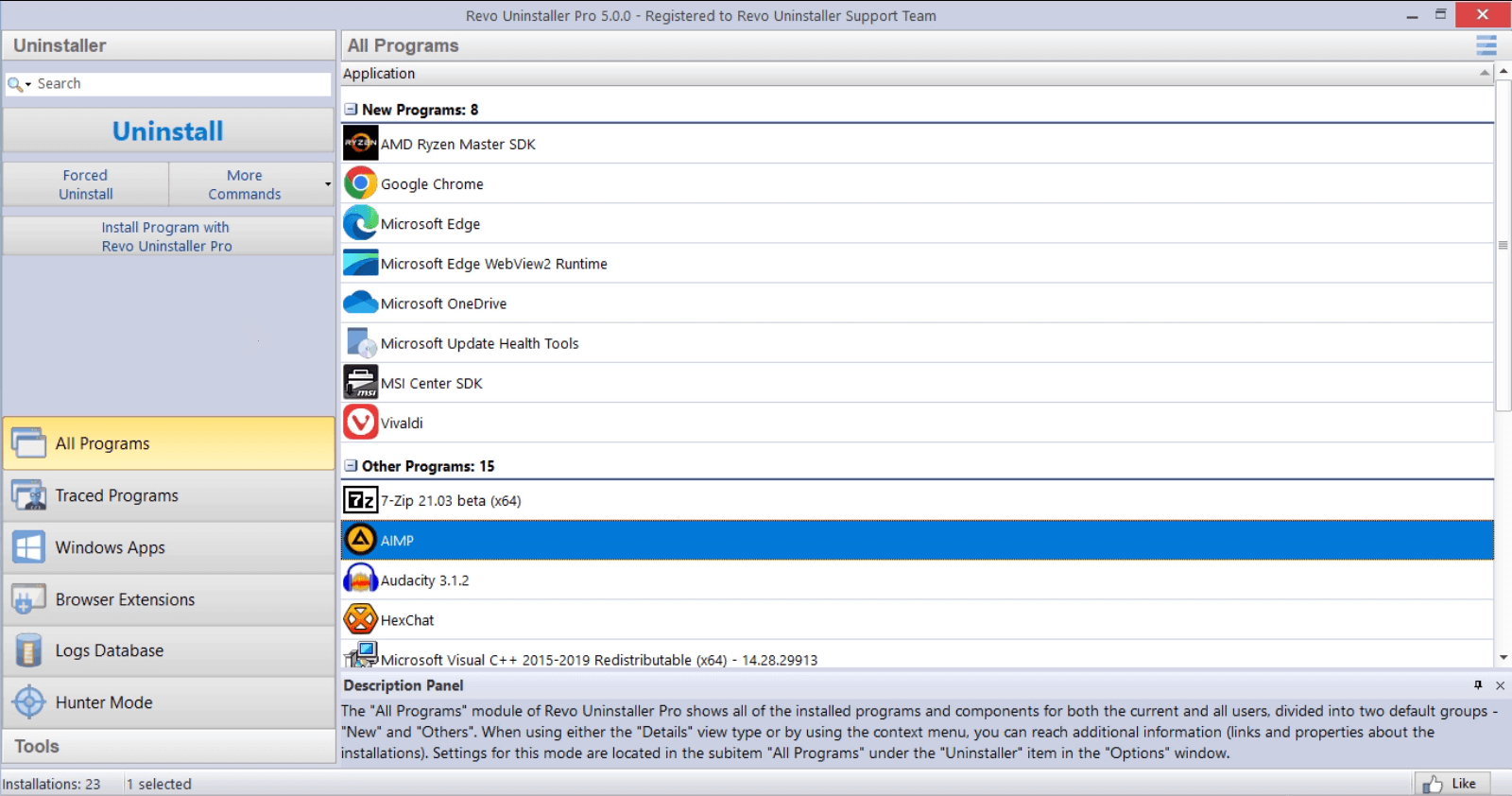
Open All Programs, run one harmless uninstall you already planned, then read leftover results before you tick boxes. Pair this page with Features and FAQ.